

Offline Private Key Recovery Guide
Overview
As a decentralized enterprise-grade wallet provider, CipherBC does not store customers' private keys. If you wish to recover the MPC private key you created, you can download and use CipherBC's offline private key recovery tool. By using this tool in an offline environment, you can recover the complete private key in the MPC system. Once the private key recovery is successful, you can import the complete private key into other hardware or software wallets, retaining full control over your digital assets.
Here's how to use the offline private key recovery tool:
Preparation
1. Get the mnemonic phrase of your local wallet's private key shard.
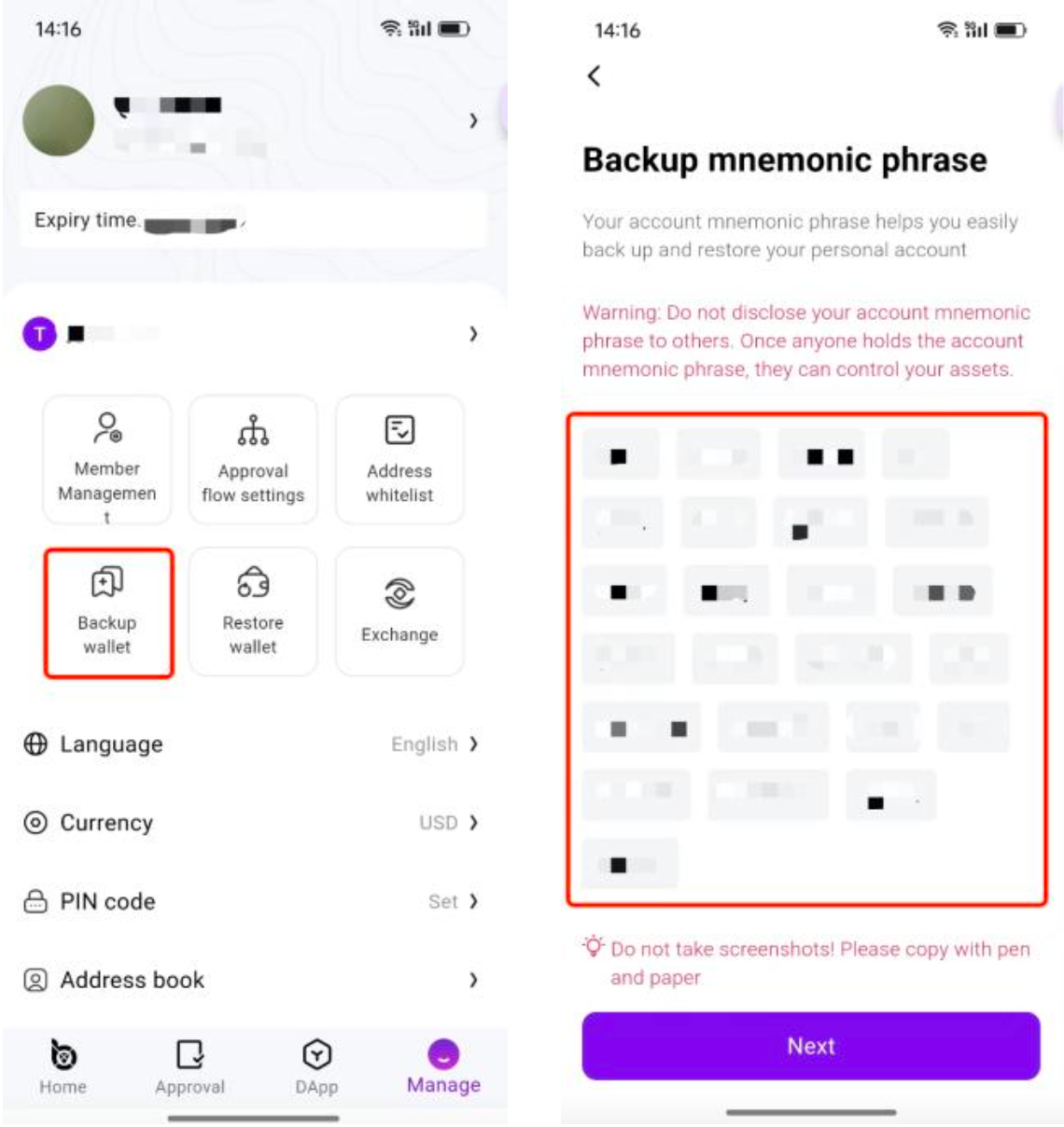
2. Get the ECIES Key from your backup private key recovery tool, copy and save.
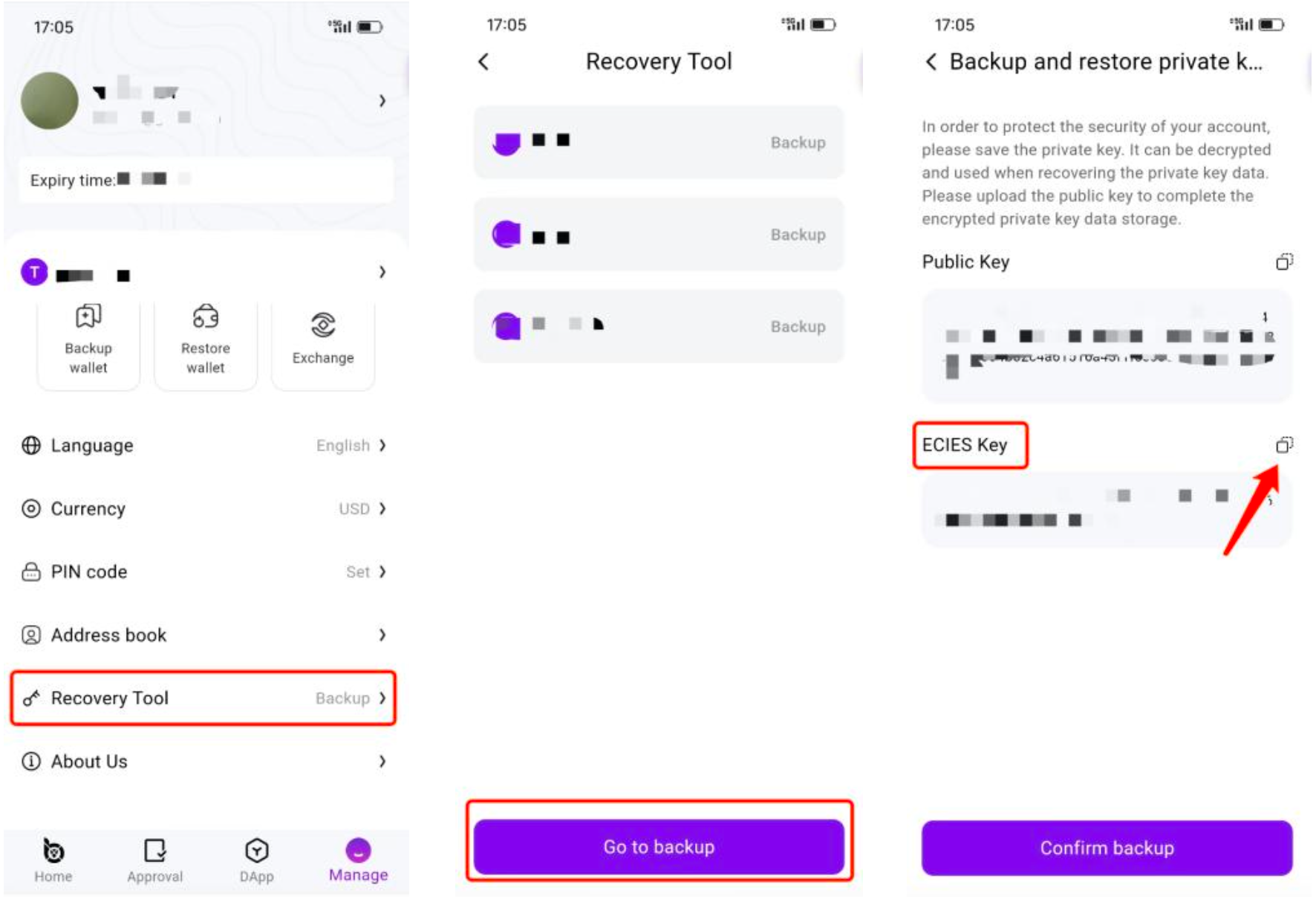
3. Click “Confirm backup”, wait till we will send you an email to restore your private key.
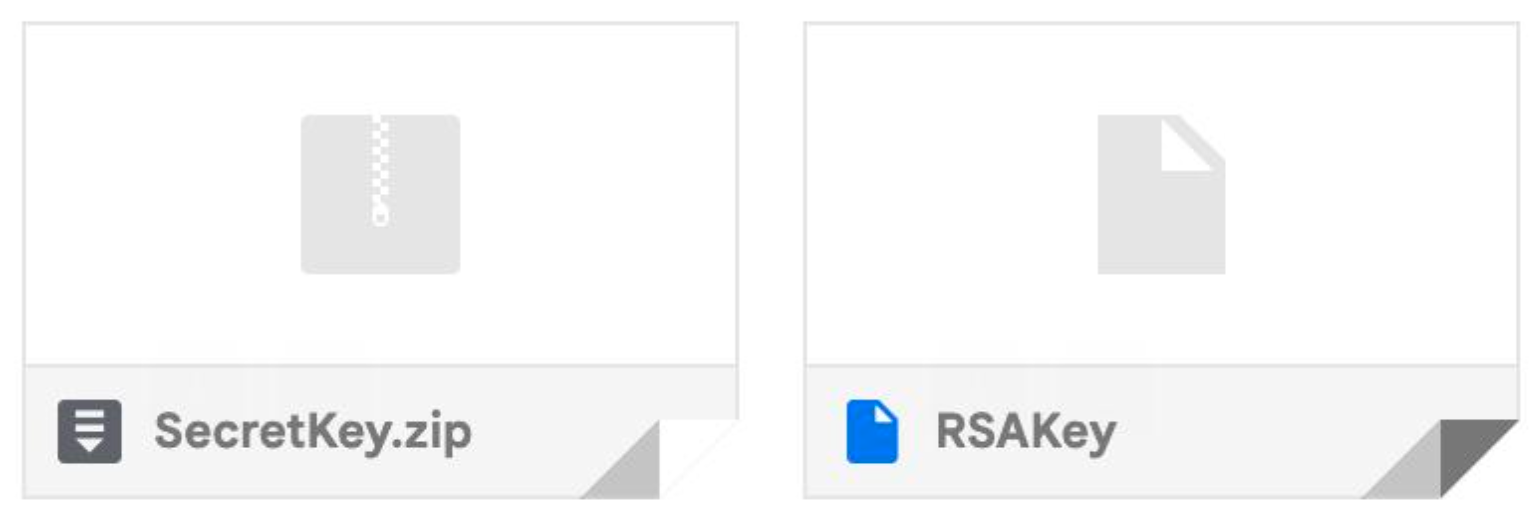
4. Please follow the email instructions to download the private key recovery tool and securely store the attachments sent to you by CipherBC(the compressed SecretKey file and RSAKey file).
Export the Private Key Offline
1. Download it from the official website.
Download the offline private key recovery tool from the official website only. Do not download from other sources.
Official website: https://www.cipherbc.com/
2. Activate the tool.
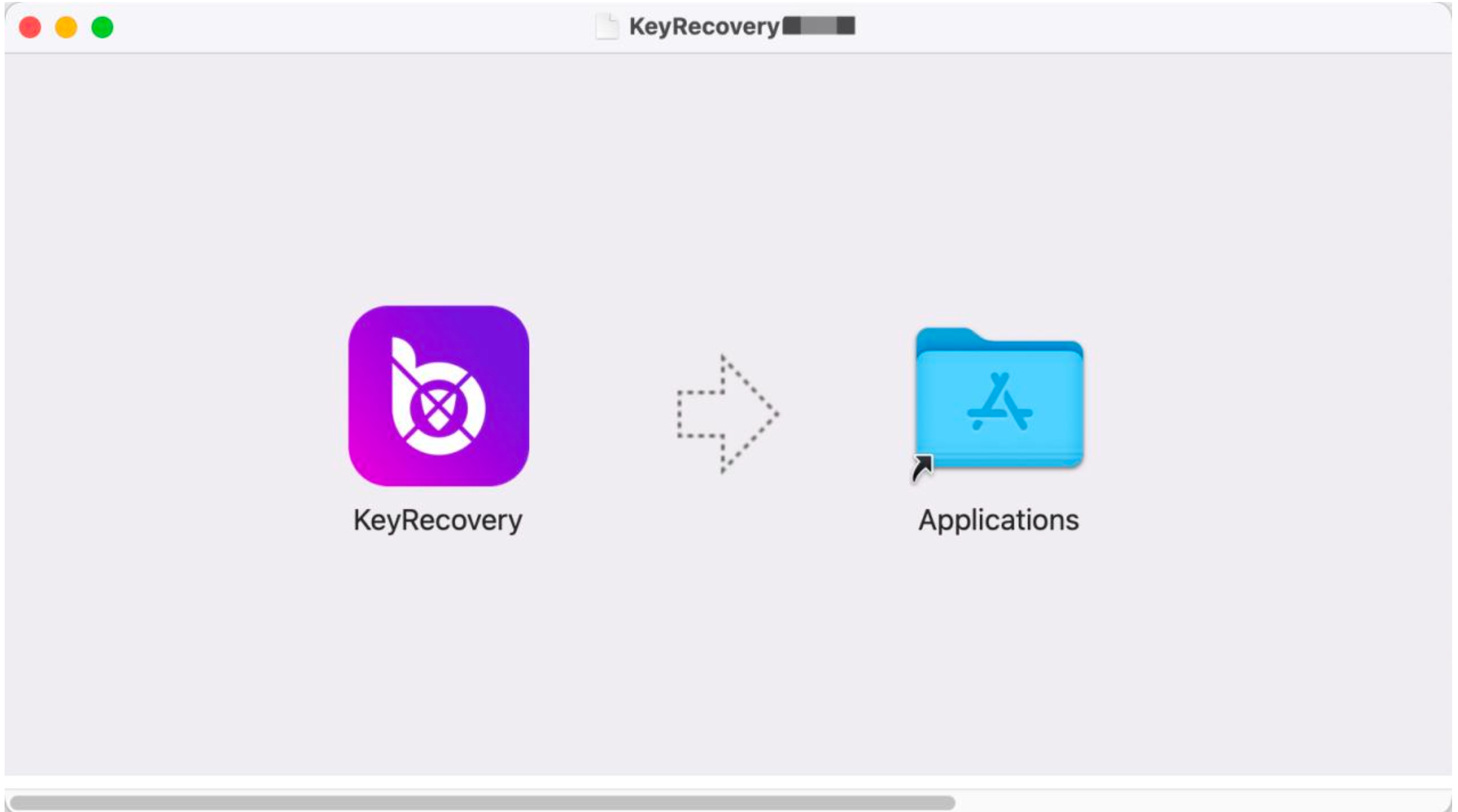
3. Begin recovery.
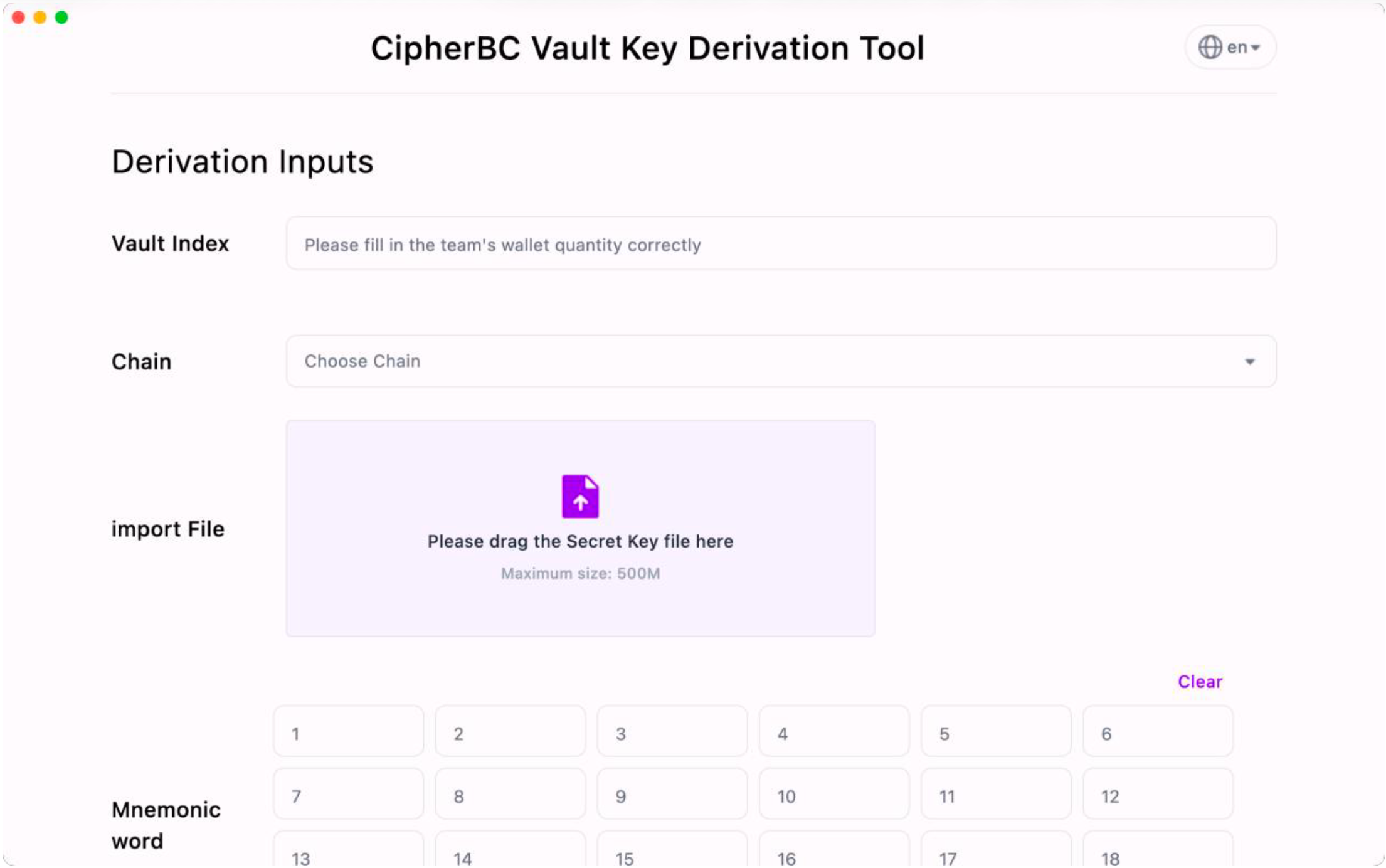
- Enter the number of the wallets of which team you need to recover.
- Select the chain you want to recover.
- Import the SecretKey file from the CipherBC recovery email.
- Enter the mnemonic phrase.
- Enter the ECIES Key saved during your backup.
- Import the RSA Key from the CipherBC recovery email.
- Click "Generate All Private Keys" to initiate the private key generation process. The time required for key generation varies based on the number of wallets you wish to export. Do not close the application during this process.
- Note: If multiple teams need to recover private keys, first check in the app whether all teams have completed their backups. If backups are complete, sequentially import the mnemonic phrases of each backed-up team and use the same ECIES Key, SecretKey compression file, and RSAKey file to recover the private keys of different teams one by one.
4. Private Key Recovery Success
- Upon successful private key recovery, the tool will automatically default the chain, address, and corresponding private key for the team wallet.
- Ensure you are in an offline secure environment when viewing or saving the private keys.
- Private key documents contain complete private keys that can be imported and used in a standard EOA wallet (please confirm the security of the wallet).
- Make sure to follow the instructions carefully to successfully complete the entire private key recovery process.
Offline Recovery
- After completing the recovery and private key importing process, securely delete any sensitive information related to the offline private key recovery tool. Do not disclose or share this information with anyone.
- Store your private keys in a secure and offline location, such as a hardware wallet or other offline storage device.
- Regularly back up your private keys to ensure their security and to prevent any potential loss risks.